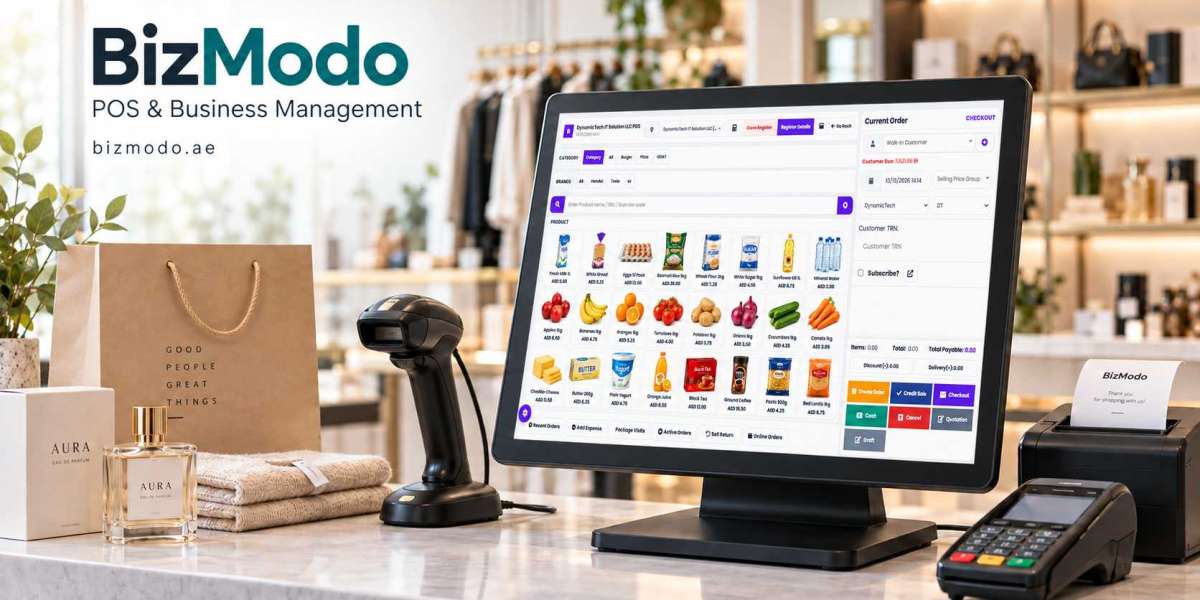
A customer orders fresh chicken, asks for a particular cut of lamb, and adds a pack of marinated kebabs before paying. Behind the counter, your team has to weigh products, apply the correct prices, record each item, and prepare the order. During a busy evening, even a small delay can hold up the queue.
This is where a meat shop POS system can make daily work easier. The right setup helps staff handle the details of meat retail while keeping sales and stock records organised.
For butcher shops in Dubai and across the UAE, choosing suitable software starts with understanding how products move through the business—from delivery and preparation to the customer’s shopping bag.
What Is a Meat Shop POS System?
A meat shop POS system is point-of-sale software used to process sales and manage related retail records. Depending on its capabilities, it can support weight-based billing, product pricing, inventory tracking, customer information, and sales reports.
Meat shops have requirements that differ from stores selling only fixed-price items. Two packs of the same cut may weigh different amounts. Boneless and bone-in products need separate prices. Some items are sold by kilogram, while others are sold by pack or piece.
A suitable system should make those differences straightforward for the person serving the customer.
Make Weight-Based Billing Easier
Accurate billing begins with the correct product, weight, and unit price.
For an illustrative example, a customer buying 1.25 kilograms of meat priced at AED 40 per kilogram would have an item subtotal of AED 50, before any applicable adjustments. A properly configured POS should calculate that amount from the recorded weight and price.
However, weight-based pricing does not necessarily mean the software connects directly to every weighing scale. Some setups require manual weight entry, while others can receive scale readings or scan labels containing weight or price information.
Before buying, ask the provider to demonstrate the workflow using your exact scale and barcode equipment. Check how packaging weight is excluded, how decimal quantities are handled, and what happens when staff correct an entry.
Organise Products Around Your Counter
A crowded product screen can slow down even experienced employees. Your POS layout should reflect how your team identifies and sells meat.
Useful categories might include:
Beef, lamb, chicken, and other meat types.
Individual cuts, such as ribs, mince, and fillets.
Fresh, frozen, and marinated products.
Items sold by weight, piece, or pack.
Prepared bundles and family packs.
Clear product names matter. “Chicken breast per kg” and “Chicken breast 500 g pack” should be easy to distinguish.
Product shortcuts can also help staff reach popular items quickly. During a demonstration, ask an employee to enter a typical mixed order and observe whether the screen supports the way they work.
Track Stock Beyond the Sale
Recording a sale is only part of managing meat inventory. Deliveries, preparation, transfers, and discarded stock also change what is available.
Consider a shop that buys a large cut and divides it into several products. Recording the purchase under one item and selling the resulting cuts under unrelated items can leave misleading stock balances unless the conversion is recorded correctly.
If your shop handles this type of preparation, ask whether the system supports product conversion or yield tracking. Confirm how the input weight, resulting products, and preparation losses are recorded.
These functions are not included in every retail POS package. Understanding the limits early helps you decide whether you need additional inventory features.
Keep Customer Orders Clear
Meat orders often include preparation instructions: mince twice, remove the skin, cut into small pieces, or pack portions separately.
When your shop accepts advance orders, useful order records should include the requested products, preparation notes, collection or delivery details, and payment status.
For products sold by weight, also check how an estimated order becomes a final bill. A customer may request approximately two kilograms, but the prepared order may weigh slightly more or less. Staff need a clear way to confirm the final amount and record any payment difference.
A well-organised process reduces the need to search through notebooks and messages while customers wait.
Use Reports to Improve Purchasing
Sales reports become useful when they answer a specific question.
Which cuts sell most frequently? Which products remain unsold? Does weekend demand differ from weekday demand? Are prepared packs selling consistently enough to justify their production?
Review quantities alongside sales values. A high-priced product may generate substantial revenue while selling in relatively small volumes.
Profit reports require additional care. Their accuracy depends on purchase costs and how preparation losses and other relevant costs are recorded. A sales total alone does not show the full profitability of a product.
Use the information to adjust purchasing and preparation gradually, then review whether those changes improve results.
Explore BizModo for Meat Retail Operations
Businesses evaluating a Meat Shop POS System can explore BizModo’s offering for UAE meat retailers. Its product page describes weight-based pricing, inventory tracking by weight, barcode generation, branch stock transfers, online order management, and reporting.
Bring a list of your products, existing equipment, and common orders to the demonstration. Ask the team to show which functions are included in the proposed package and which require additional configuration or integration.
This gives you a clearer basis for choosing a system than comparing feature lists alone.
Prepare Your Team Before Launch
Before introducing a new POS, check your product names, units of sale, prices, and opening stock. Assign clear responsibilities for maintaining these records.
Staff should practise everyday transactions, including correcting a weight, removing an item, handling a refund, and recording an advance payment. Managers should understand how to review adjustments and reconcile payments.
Start with a manageable setup that covers your essential daily work. Add further functions when the team is comfortable and there is a clear business reason.
A meat shop POS system earns its place when employees can use it confidently, customers receive clear bills, and owners can understand what happened during the day. Test those outcomes before committing, and choose a setup that fits the realities of your counter.