
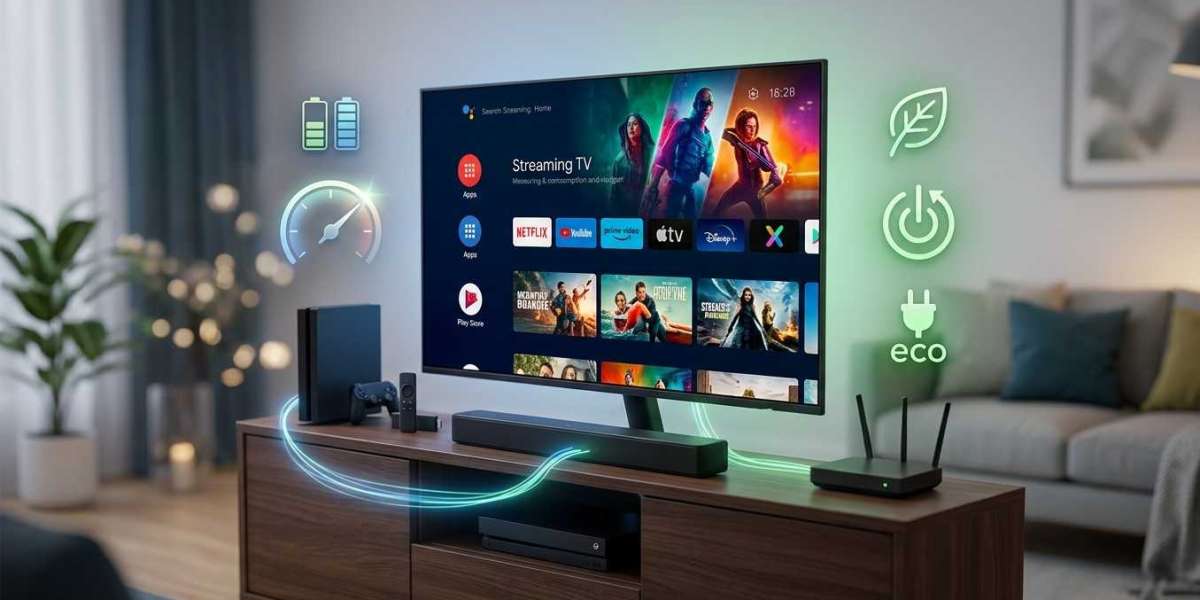
A streaming setup feels weightless: no moving parts, no big appliances, just a small box and a screen. Even so, the TV, box, router, and soundbar add up over a year. The good news is that most of the savings come from a few easy habits. In this guide, we’ll explain how to estimate your own usage, where the power goes, and how to trim it without giving up your IPTV India viewing on your Indian IPTV Box.
Table of Contents
- Where the Power Goes
- Typical Power Ranges
- How to Estimate Your Own Usage
- A Worked Example
- What Costs the Most
- Ways to Cut Power Use
- Don’t Sacrifice Reliability
- Buying With Efficiency in Mind
- FAQs
Where the Power Goes
In a typical setup:
- The TV uses the most, and its draw depends heavily on size, panel technology, and brightness
- A soundbar or receiver adds a modest amount, more when it’s playing loudly or sitting in standby
- The streaming box or stick uses a small amount, even when idle
- The modem and router run around the clock, so their small draw adds up over the year
- Game consoles, set-top boxes, and chargers can also add standby power if they share the same outlets
Power is measured in watts (W). Energy use over time is measured in kilowatt-hours (kWh), which is what your electricity bill counts.
Typical Power Ranges
These are rough ranges, and real products vary widely. Check the label, manual, or the manufacturer’s specifications for your model.
| Device | Rough Active Use | Notes |
|---|---|---|
| TV (about 50 to 65 inches) | Roughly 50 to 150 W | Brightness, panel type, and HDR content raise it |
| Streaming box or stick | Often around 2 to 10 W | Higher while playing or updating |
| Soundbar | Often around 10 to 50 W | Depends on volume and design |
| Router or modem | Often around 5 to 20 W each | Always on |
| Standby (TV, box, soundbar) | Often under a few watts each | Varies, and some “quick start” modes use more |
Don’t rely on these as exact numbers. Use them to see which items matter.
How to Estimate Your Own Usage
The simplest and most accurate method is to measure.
- Get a plug-in power meter, often sold as a “watt meter” or “energy monitor.” They’re inexpensive
- Plug a power strip with your devices into the meter, or measure devices one by one
- Note the watts while the TV is on, while it’s in standby, and with just the box running
- Calculate energy: watts × hours used ÷ 1,000 = kWh
- Calculate cost: kWh × your electricity rate (check your bill for the price per kWh)
If you don’t have a meter, use the label or manual for rated power, keeping in mind that real use is often lower than the maximum rating.
A Worked Example
This example uses illustrative numbers, not a promise about your setup.
- TV: 100 W for 5 hours a day = 0.5 kWh per day
- Box: 5 W for 5 hours = 0.025 kWh per day, plus 2 W in standby for 19 hours = 0.038 kWh per day
- Soundbar: 20 W for 5 hours = 0.1 kWh per day
- Router and modem: 15 W combined, 24 hours = 0.36 kWh per day
Total is roughly 1.0 kWh per day, or about 365 kWh per year. At 16 cents per kWh, that’s roughly $58 a year. Your own numbers could be much higher or lower, depending on your TV, habits, and local rates.
What Costs the Most
- The TV on at high brightness for long hours. It’s usually the biggest single item
- Leaving the TV running as background noise when no one is watching
- Large, bright, high-resolution TVs drawing more than small ones
- HDR and very bright picture modes
- Always-on equipment, such as the router and modem, which are small but constant
- Quick-start or instant-on standby modes, which keep devices partly awake
- Old equipment, which is often less efficient than newer models
- Multiple TVs and devices in different rooms
Ways to Cut Power Use
On the TV:
- Lower the backlight or brightness to a comfortable level for your room. This often saves the most, and our room arrangement guide helps you choose a level
- Use an eco, energy-saving, or auto-brightness mode, if you like the picture
- Turn off the TV when you leave the room, or use the sleep timer so it doesn’t run all night
- Enable auto power-off after inactivity
- Disable quick-start modes if standby power matters to you, understanding it may mean a slightly slower start
- Avoid maxing out brightness and HDR effects for casual viewing
- Turn off unnecessary features, such as ambient lighting effects or voice listening, if you don’t use them
On the streaming box:
- Use sleep mode or power-saving settings, and let it go to standby when you’re not watching
- Be cautious about unplugging it nightly. It saves a little power, but you’ll wait for it to restart, and it may miss updates. Our guide on leaving a box on 24/7 weighs the trade-offs
- Remove unused apps that run in the background
For the whole setup:
- Use a smart power strip or a switched strip to cut power to devices you aren’t using, such as the soundbar and console. Don’t switch off the modem and router unless you want to lose your internet
- Turn off unused equipment in other rooms
- Unplug chargers and idle devices, which draw small amounts even when nothing is attached
- Schedule updates and downloads for times when the equipment is already on
- Consider timers for equipment that doesn’t need to run all day
On the network:
- Check whether your router has an eco or scheduling mode, but be careful not to disrupt devices that need to stay connected, such as cameras or alarms
- Don’t run multiple routers if one covers your home
Don’t Sacrifice Reliability
Saving power shouldn’t create new problems:
- Don’t cut power to your modem and router during times you rely on them
- Don’t over-dim the screen to the point of eye strain, or cause a poor picture in a bright room
- Don’t unplug and replug repeatedly if it causes instability or missed updates
- Keep ventilation clear, since a cooler setup runs more reliably. Our guide on seasonal conditions explains how heat affects gear
- Use a surge protector, and don’t overload strips
- Keep safety first. Don’t open devices, and don’t use damaged cords
The savings from most of these steps are modest per device, but they add up across the year.
Buying With Efficiency in Mind
When you replace equipment:
- Check efficiency ratings and labels, such as energy certification marks in your region
- Compare power figures in reviews, since measured results can differ from specifications
- Right-size the TV. A bigger screen uses more power
- Choose a streaming box or stick known for low power draw
- Look for useful power-saving features, like auto power-off and efficient standby
Our guides to choosing a TV and to when to replace an aging box cover other buying considerations.
FAQs
1. How much does it cost to run a streaming setup?
It varies widely with the TV, hours of use, and your electricity rate. A typical home might spend tens of dollars a year, but measuring your own usage gives a better answer.
2. Is leaving my Indian IPTV Box on all the time expensive?
Usually not. Streaming boxes draw very little power, and the TV is normally the bigger cost. See our guide on 24/7 operation for the trade-offs.
3. What’s the single biggest way to save?
Turning off the TV when no one is watching, and lowering its brightness, usually saves more than anything else.
4. Do I need a power meter?
Not strictly, but a plug-in watt meter is inexpensive and gives you real numbers for your own devices.
5. Should I switch off my router at night?
Only if nothing needs it. The savings are small, and you’ll lose cameras, alarms, and automatic updates. If you do it, restart in the right order.
Watch More, Waste Less
A few small habits can trim your power use without changing how you watch. Pair a dependable IPTV India subscription with an efficient Indian IPTV Box, and enjoy your channels while keeping an eye on the bill. Explore our IPTV plans today and build a setup that’s good for both viewing and your budget.



